

Choose the Right Laptop by Understanding What You Gain vs What You Give Up
Buying a laptop is no longer about just picking a brand or processor.
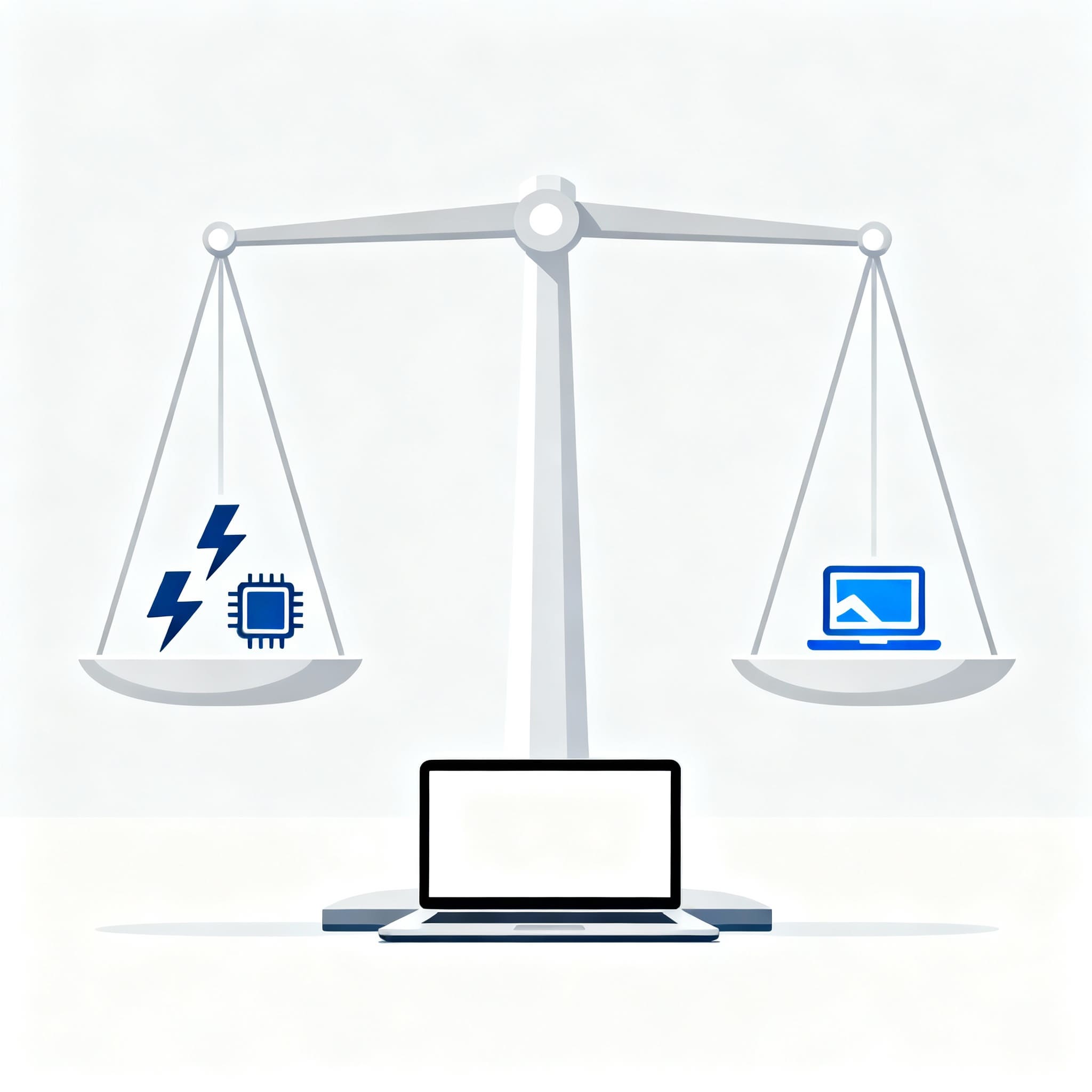
It’s about understanding trade-offs — the pros and cons you accept when you choose one feature over another.
Every laptop is designed with a purpose.
Some focus on raw power.
Some focus on portability.
Some balance both.
This page will guide you through these trade-offs so you can confidently choose the laptop that matches your real needs.
Before You Start: How to Think About a Laptop Purchase
1. Your Workload Defines Your Laptop
A laptop built for browsing and office work is not the same as one meant for editing, designing, or gaming.
First understand your workload.
2. Power vs Battery Life
More power usually means more heat and less battery.
Better battery usually means less raw performance.
Your choice will decide your experience.
3. Portability vs Performance
Thin laptops are easy to carry but compromise performance.
Powerful laptops are heavier but deliver speed.
What Are Trade-Offs?
A trade-off means:
If you choose X, you gain something… but you also lose something.
Example:
A powerful processor gives you speed, but drains more battery.
A light laptop gives portability, but not heavy performance.
This balance is what we’ll now explain for major laptop components.
Common Trade-Offs
✅ 4 Cores vs 2 Cores
| 4 Cores | 2 Cores |
|---|---|
| Faster processing | Better battery life |
| Better multitasking | Cooler operation |
| Smooth for heavy apps | Budget-friendly |
What you lose |
What you lose |
| Higher battery usage | Slow multitasking |
| More heat | Struggles with heavy apps |
| Slightly costlier | Gets outdated faster |
✅ Intel i7 vs Intel i5
| Intel i7 | Intel i5 |
|---|---|
| Great for editing & coding | Efficient for daily use |
| Faster under load | Runs cooler |
| More future-proof | Good battery backup |
What you lose |
What you lose |
| More battery drain | Slower on heavy workloads |
| Generates more heat | Less performance margin |
| Higher price | Not ideal for pro users |
✅ H-Series vs U-Series
| H-Series Processor | U-Series Processor |
|---|---|
| High performance | Long battery life |
| Better for editing/gaming | Cooler and stable |
| Handles heavy tasks well | Lightweight laptops |
What you lose |
What you lose |
| Low battery life | Lower performance |
| More heat | Not for heavy apps |
| Bulkier models | Slower under pressure |
✅ Ryzen vs Intel
| AMD Ryzen | Intel |
|---|---|
| Strong multitasking | Strong single-core performance |
| Better value | Very stable for office apps |
| Good integrated graphics | Better battery (U-series) |
What you lose |
What you lose |
| Slightly weaker single-core | Higher pricing |
| Optimization varies | Average multitasking (budget models) |
✅ Iris Xe vs Other Integrated GPUs
| Intel Iris Xe | Radeon / Other iGPU |
|---|---|
| Smooth everyday use | Better casual gaming |
| Light editing possible | Stronger GPU performance |
| Stable for FHD tasks | Good for budget creators |
What you lose |
What you lose |
| Not for heavy graphics | More power consumption |
| Limited for gaming | More heat |
| – | Performance varies |
Choosing the right laptop is not about picking the most expensive one.
It’s about picking the right balance of power, battery, portability, and longevity.
Once you understand these trade-offs, you’ll know exactly what matters most for your work — and what you can live without.
A smart decision saves money, improves performance, and gives you a laptop that feels built for you.
Still confused between options? This will help.