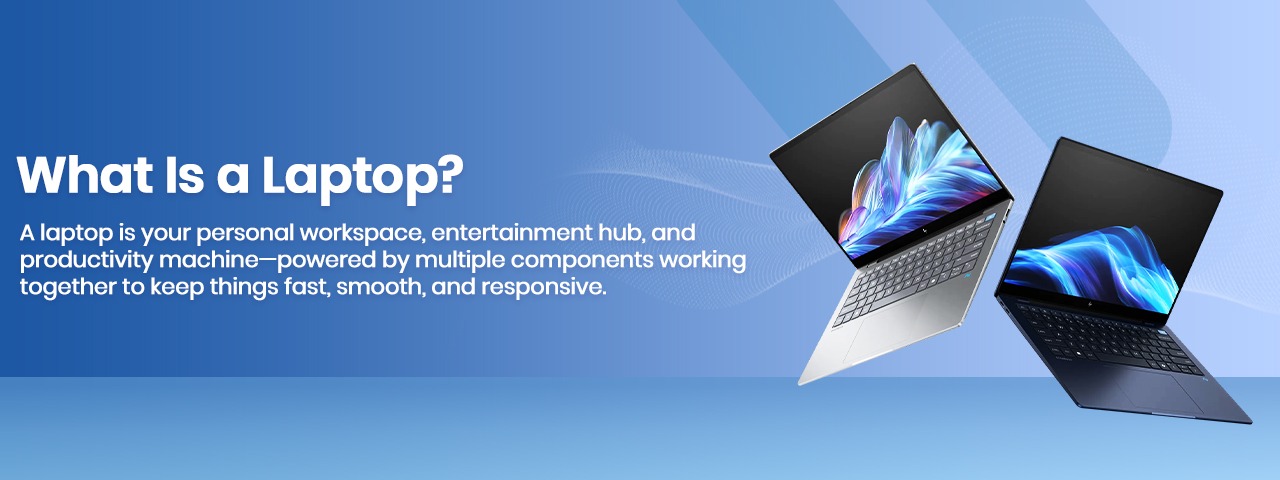
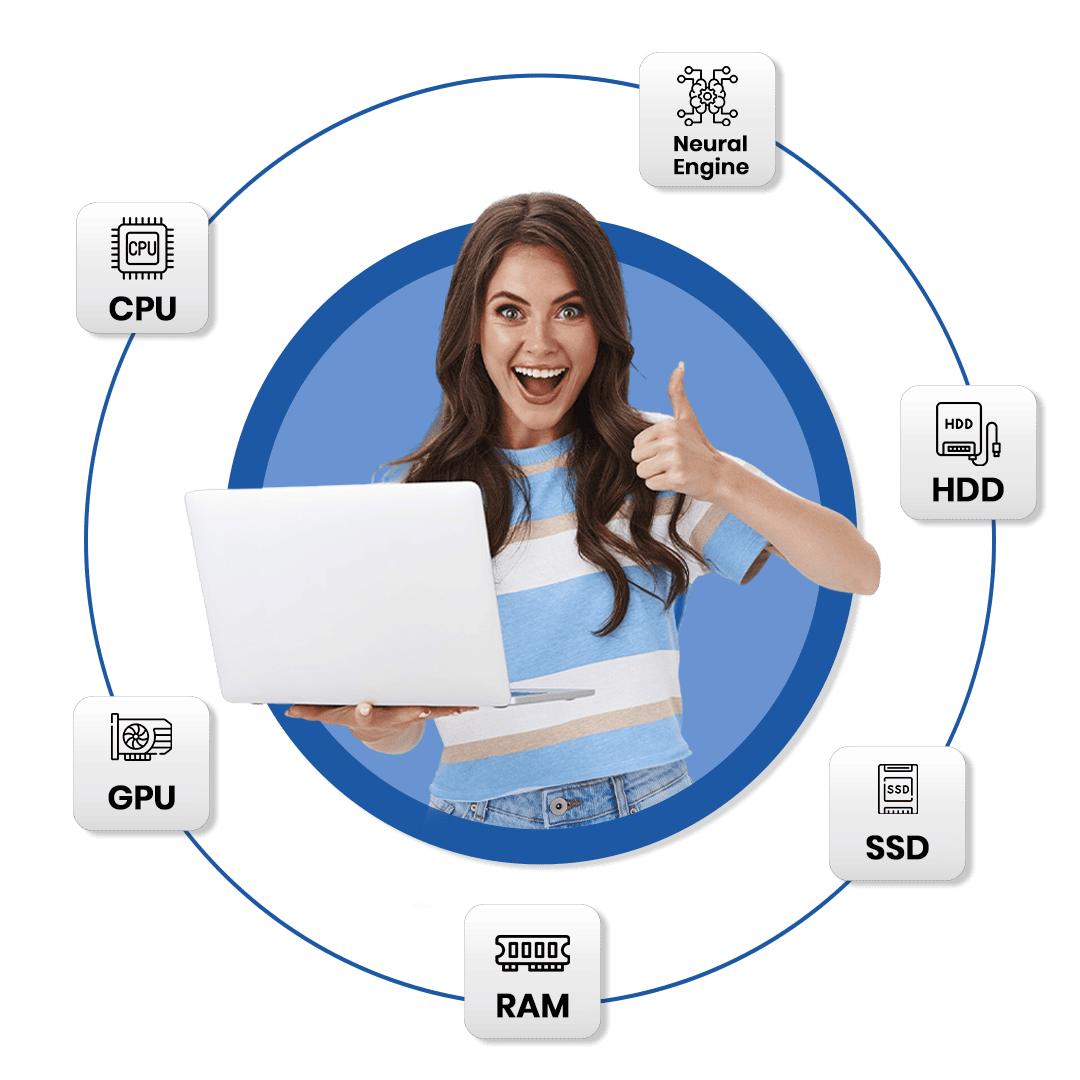
A laptop is basically a compact computer you can carry anywhere. But what actually makes it fast, smooth, or slow? The answer lies inside its key components—especially the CPU, GPU, RAM, and Neural Engine.

The Core Components Of A Laptop

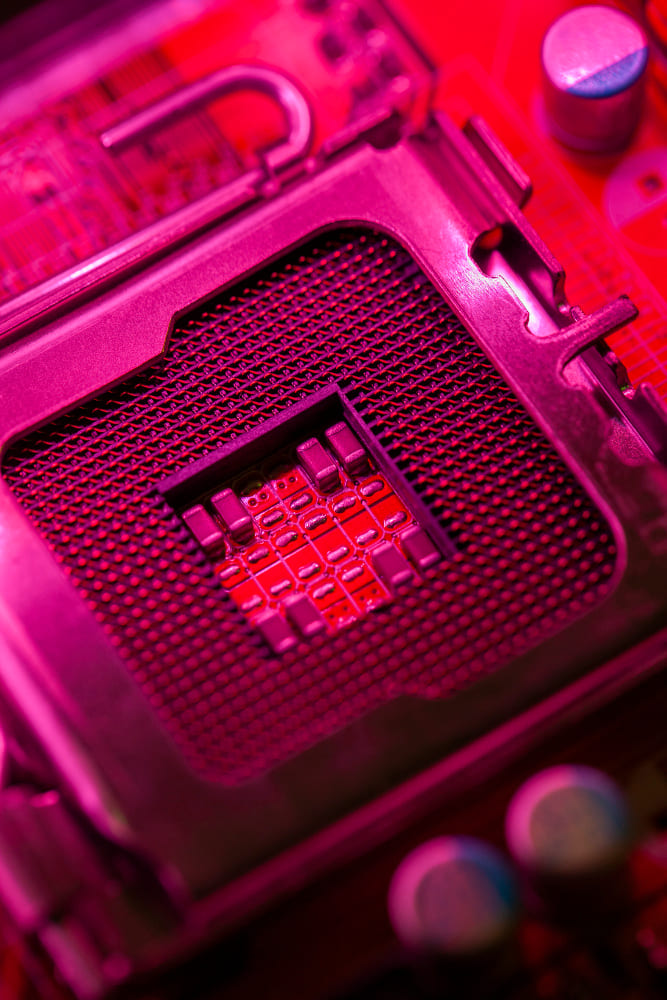
CPU – The Brain of Your Laptop

The CPU is designed to handle a wide range of tasks. It works steadily and intelligently, using multiple cores to manage different complex operations at the same time.

  • Has 4–32 cores that can work independently
  • Handles multiple complex tasks at once
  • Works on smaller sets of data but executes them extremely fast
  • Can switch tasks instantly (conditional branching)
  • CPU is generally faster than GPU for single small tasks
Think of the CPU as the main chef in a kitchen—deciding what to cook, when to cook, and how to manage multiple dishes at once.

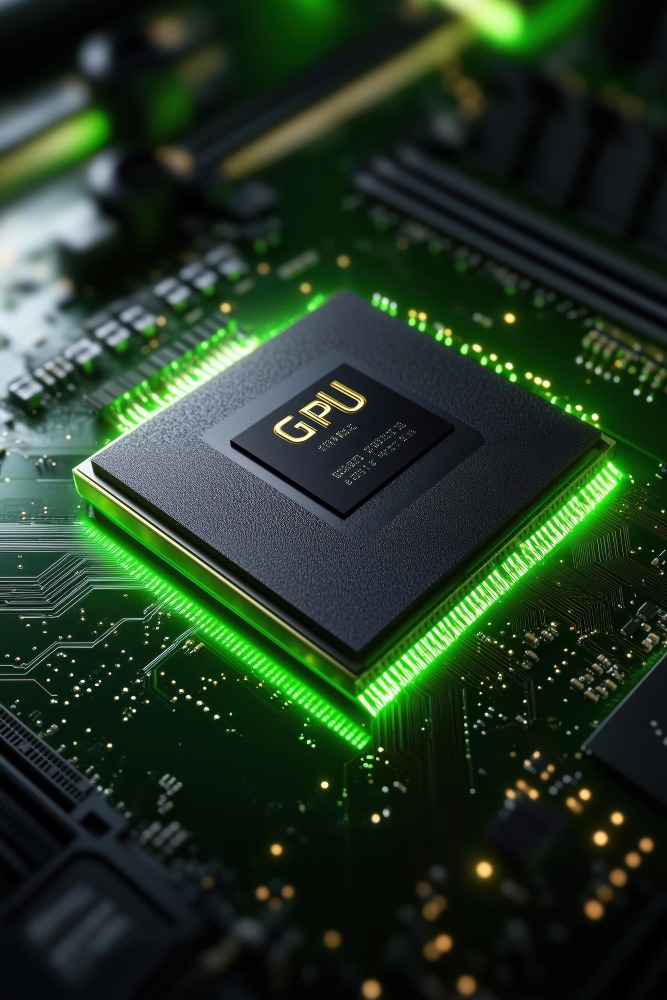
GPU – The Graphics Specialist

The GPU is built for one thing: speed with large visual data. It generates graphics, 3D visuals, and everything you see on screen—especially in gaming, animation, and editing.

  • Optimized for huge amounts of data
  • Renders 3D visuals, characters, and effects
  • Works with the CPU to maintain smooth performance
  • Ensures stutter-free visuals during gaming or editing

If the CPU is the main chef, the GPU is the dessert specialist pastry chef—focused on making visuals look stunning, fast.

RAM – Your Laptop’s Short-Term Memory

RAM stores frequently accessed files so the laptop can open apps instantly and respond without delay.

  • Enables quick retrieval → device feels fast
  • More RAM = better multitasking
  • Improves gaming + media editing (less stutter, faster load)
  • Extends system life (instead of buying new laptop)
  • Modern programs use more RAM than before
  • In M1/M2 Macs, RAM can flexibly shift between VRAM & apps, improving performance

RAM is like your kitchen counter—the bigger it is, the more dishes (apps) you can prepare at the same time.

Neural Engine – The AI Powerhouse

The Neural Engine is a special dedicated part of the chip that powers AI and machine learning tasks. Apple calls this “Apple Intelligence.” It is designed to rapidly process AI-based workloads that would be slow for a CPU or GPU to handle.

  • Special engine for AI tasks only
  • Built to accelerate Artificial Intelligence features
  • Handles tasks like recognition, prediction, automation
  • Frees CPU and GPU by taking AI load separately

Think of it as a barista who only makes the perfect latte all day, without doing anything else—this focus makes it insanely fast at its one job.

The Heart of Performance: The Processor

While many parts work together, your processor (CPU) plays the biggest role in deciding speed, multitasking power, and overall laptop experience. To choose the right laptop—especially a refurbished one—you must understand processors properly.

Explore CPU Generations Timeline

The gateway To

THE CORE COMPONENTS OF A LAPTOP

CPU – The Brain of Your Laptop

The CPU is designed to handle a wide range of tasks. It works steadily and intelligently, using multiple cores to manage different complex operations at the same time.
  • Has 4–32 cores that can work independently
  • Handles multiple complex tasks at once
  • Works on smaller sets of data but executes them extremely fast
  • Can switch tasks instantly (conditional branching)
  • CPU is generally faster than GPU for single small tasks
Think of the CPU as the main chef in a kitchen—deciding what to cook, when to cook, and how to manage multiple dishes at once.
Image description

GPU – The Graphics Specialist

The GPU is built for one thing: speed with large visual data. It generates graphics, 3D visuals, and everything you see on screen—especially in gaming, animation, and editing.
  • Optimized for huge amounts of data
  • Renders 3D visuals, characters, and effects
  • Works with the CPU to maintain smooth performance
  • Ensures stutter-free visuals during gaming or editing
If the CPU is the main chef, the GPU is the dessert specialist pastry chef—focused on making visuals look stunning, fast.
Image description

Finance Management

Optimize your financial operations with our intelligent suite of tools and comprehensive insights. Our system automatically generates detailed financial reports and forecasts, enabling proactive decision-making.

Image description

Employee Experience

Enhance workplace satisfaction through our comprehensive benefits and support system. Our platform provides seamless access to wellness programs and health resources.

Image description
Explore
Drag